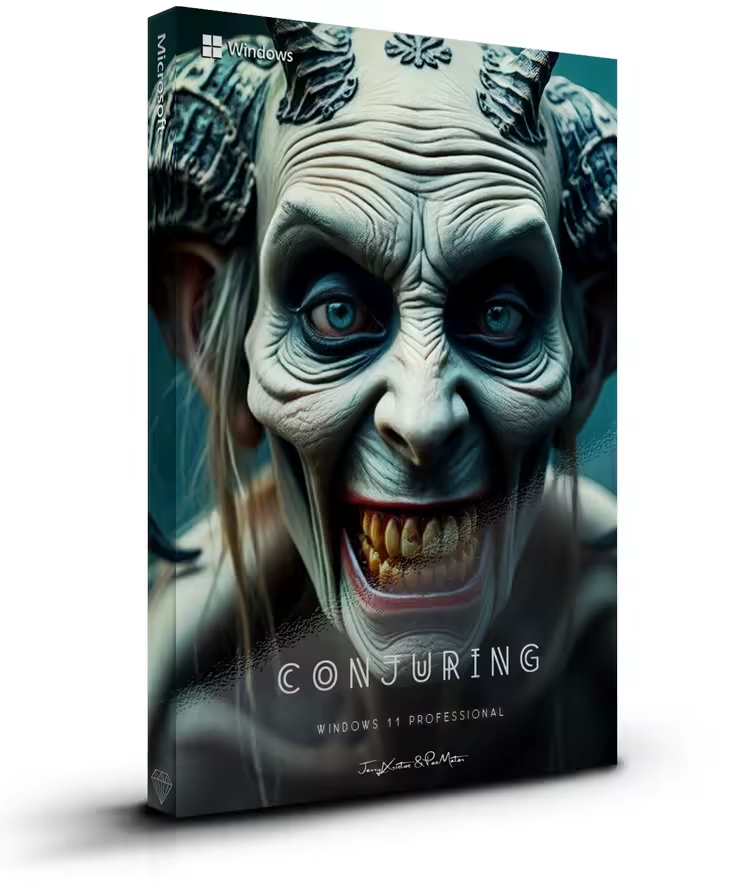
 Windows 11 Pro Super Lite 25h2 Build 26200.7462 Conjuring 11
No TPM | Languages: English | File size: 2.70 GB
This build is for everyday use and not only Tweaks have been applied for extreme performance, Responsiveness and much more.
Windows updates are not working on purpose.
A few services are disabled so in case something is not working first enable the specific service.
Removed featuresMost bloatware windows app
Clipchamp
Cross Device Experience Host
Dev Home
Email and accounts
Feedback Hub
First-logon animation
Fonts
Game Speech Window
Input Method Editor (IME)
Internet Explorer
Manual Setup
Microsoft Edge
Microsoft Defender Antivirus
Microsoft Family
Narrator
Outlook for Windows
Paint
Phone Link (Telephony support is removed)
Power Automate
Quick Assist
Steps Recorder
Support directory
Tablet PC
Windows Application Compatibility Enhancements
Windows Mail
Windows Media Player
Windows Notepad
Windows Sound Recorder
Windows Store
Windows Terminal
Windows Web Experience Pack
WinSxS\Backup
WinPE
WMP Network Sharing Service
Xbox App
Build Informations
Microsoft accound bypassed
Power Plan set to High Perfrmance with Power Plan applied
Windows Image Viewer is set as default
Tweaks applied for extreme performance, Responsiveness, and Resource Savings in all sections
Some services are disabled or setup to manual
Delivery Optimazation is disabled
Sysmain is disabled
Storage service is disabled
System Protection is off
Windows updates NOT working
Programs
7zip
OldNewExplorer
Nilesoft Shell
StartIsBack
System Requirements
Processor: 2 gigahertz (GHz) or faster.
RAM: 2 gigabyte (GB
Free space on hard disk: 10 gigabytes (GB).
Graphics card: DirectX 9 graphics device or a newer version.
Additional requirements to use certain features.
To use touch you need a tablet or monitor that supports multitouch.
To access the Windows store to download and run apps, you need an active Internet connection and a screen resolution of at least 1024 x 768 pixels
Homepage