
|
Windows 11 Iot Enterprise Ltsc 25h2 Build 26200.8116 Eon Edition
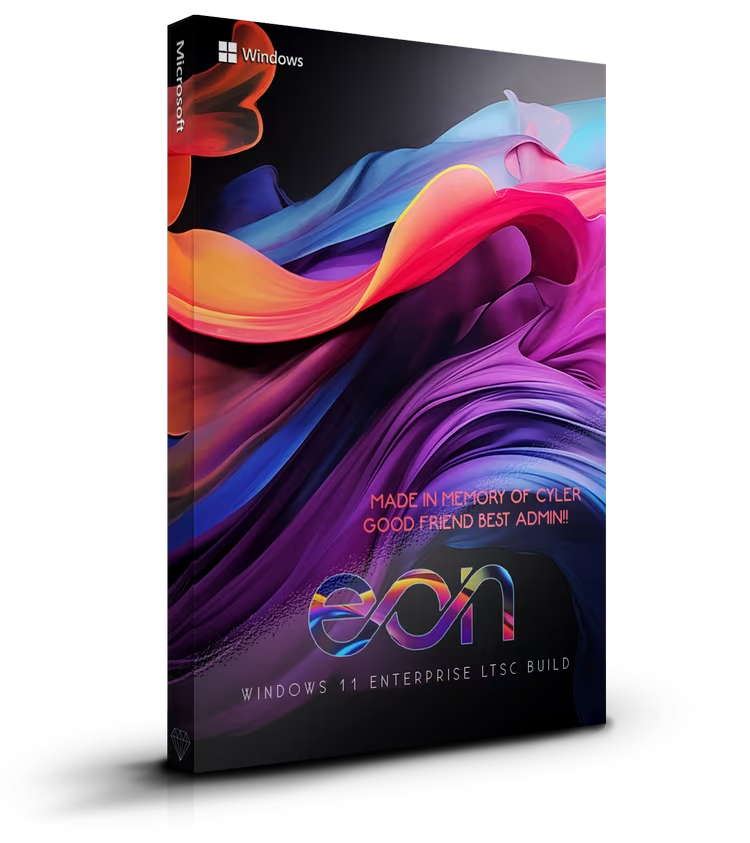 Windows 11 Iot Enterprise Ltsc 25h2 Build 26200.8116 Eon Edition Windows x64 | No TPM | Languages: English | File Size: 7.36 GB MAS is included at Desktop folder, to use it for activation after installation or use your own. Hiden Local Administrator account is used for maximum performance. After installation don't do anything, only activate your system and restart for tweaks to apply. Windows updates are disabled on purpose, just don't update every time Microsoft publish one, wait for known issues and then deside. (I have managed to install the next update, 26200.8117 without any issues). The size of this build is 7.4 GB Only Windhawk, PowerToys and ShareX are almost 3GB = (installed) At Windhawk we have applied special scripts for StartMenu, TaskBar and Notifications. In case you don't like this modification feel free to change it. Drivers auto update system is disabled, it will be better to use the drivers from your Manufacture. We have used 7tsp program to apply icon pack. After a major update your system will reverse to default icon pack. In case you want to apply the specific icon pack again, you will find 7tsp and icon pack, at Documents folder. Before applying the icon pack just disable Windows Defender. Build Informations Tweaks applied for extreme performance, Responsiveness, and Resource Savings in all sections Microsoft accound bypassed Power Plan set to High Perfrmance with Power Plan applied Windows Image Viewer is set as default Windows updates are disabled until 2030 Windows Store is installed Local Admin account is enabled Bitlocker is disabled CNG Hardware Assist Algorithm Provider is disabled Virtualization based Security is disabled Auto Time Zone updater is set to manual Clipboard user service is set to manual Connected User Experiences and Telemetry are disabled Diagnostic Services are set to manual Downloaded Maps Manager is disabled Application Virtualization is disabled Print Spooler is set to manual Sysmain is disabled User Experience Virtualization service is disabled Windows Time is set to manual Windows Update is set to manual Task Manager Deluxe has replaced Task Manager (you can reverse it) ShareX will help you you capture or record any area of your screen PowerToys is a collection of utilities that help you customize Windows and streamline everyday tasks. You will find also AutoRuns software at C: (Use it wisely) System Requirements Processor: 2 gigahertz (GHz) or faster. RAM: 2 gigabyte (GB ). Free space on hard disk: 25 gigabytes (GB). Graphics card: DirectX 9 graphics device or a newer version. Additional requirements to use certain features. To use touch you need a tablet or monitor that supports multitouch. To access the Windows store to download and run apps, you need an active Internet connection and a screen resolution of at least 1024 x 768 pixels Цитата:
|
| Часовой пояс GMT +3, время: 13:50. |
vBulletin® Version 3.6.8.
Copyright ©2000 - 2026, Jelsoft Enterprises Ltd.
Перевод: zCarot