
|
Advanced Transitions & Professional Video Effects In Adobe Premiere Pro
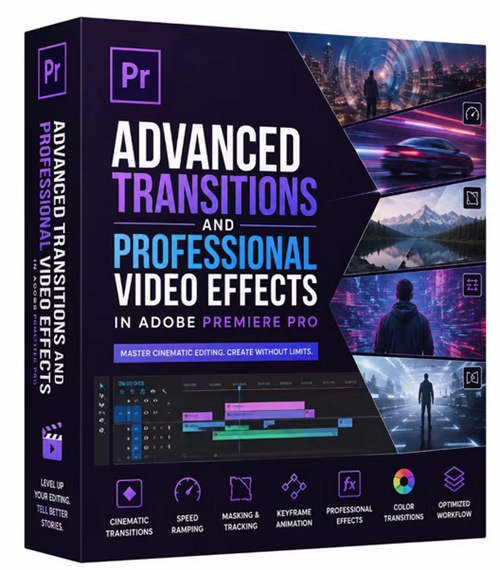 Advanced Transitions & Professional Video Effects In Adobe Premiere Pro Released 5/2026 MP4 | Video: h264, 1280x720 | Audio: AAC, 44.1 KHz, 2 Ch Genre: eLearning | Language: English | Duration: 1h 54m | Size: 427 MB This class covers a wide range of editing techniques including Professional video effects Cinematic transitions Transform and stylize effects Track Matte Key Adjustment layers Blending modes Motion blur effects Masking and AI masking Warp Stabilizer Mosaic and blur effects Zoom, glitch, wave, split, flash, VHS, and many other modern transitions You will also learn how to customize effects, save presets, copy effects between clips, and build smooth professional workflows for faster editing. This class is beginner-friendly, but it also includes advanced techniques that will help intermediate editors improve their creative editing skills. By the end of this class, you will be able to create cinematic videos, smooth transitions, and professional visual effects for YouTube, social media, client projects, travel videos, music videos, and other creative content. |
| Часовой пояс GMT +3, время: 20:14. |
vBulletin® Version 3.6.8.
Copyright ©2000 - 2026, Jelsoft Enterprises Ltd.
Перевод: zCarot