
|
Ds Simulia Cst Studio Suite 2026 Sp1
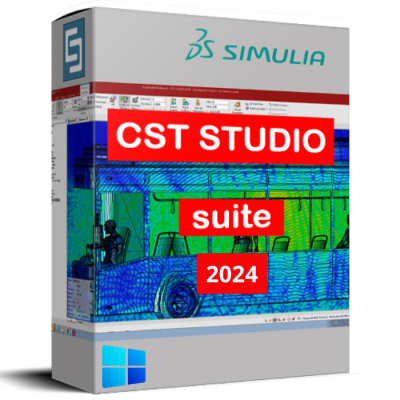 Release Name: DS SIMULIA CST Studio Suite 2026 SP1 Size: 8.16 GB Description: DS SIMULIA CST Studio is a high-performance 3D EM analysis software package for designing, analyzing and optimizing electromagnetic (EM) components and systems. 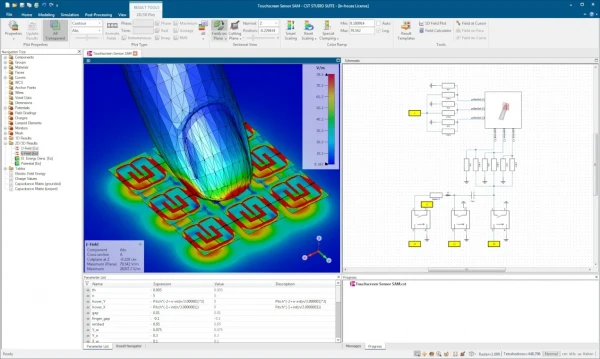 DS SIMULIA CST Studio Suite Features • Comprehensive 3D electromagnetic simulation and analysis platform • Solves high-frequency, low-frequency, and static electromagnetic problems • Accurate simulation of antennas, RF components, and microwave devices • Time-domain, frequency-domain, and integral equation solvers included • Advanced modeling for EMC/EMI, signal integrity, and power integrity • Supports radar, wireless communication, and IoT system design • Detailed analysis of cables, connectors, and PCB layouts • Multiphysics coupling for thermal and mechanical effects • Parametric studies and optimization for design refinement • High-performance computing support for large and complex models • CAD import and native geometry modeling tools • Visualization of field distributions, currents, and radiation patterns • Automated meshing for improved accuracy and speed • Template-based workflows for faster setup • Compliance testing support for industry standards • Scales from component-level to full-system simulations • Integrates with SIMULIA and Dassault Systèmes ecosystem • Reduces prototyping costs through virtual validation • Widely used in aerospace, automotive, electronics, and telecom industries • Enables early detection of electromagnetic performance issues Installation
Warning: After installing the update, no further treatment is required. Цитата:
|
| Часовой пояс GMT +3, время: 12:12. |
vBulletin® Version 3.6.8.
Copyright ©2000 - 2026, Jelsoft Enterprises Ltd.
Перевод: zCarot