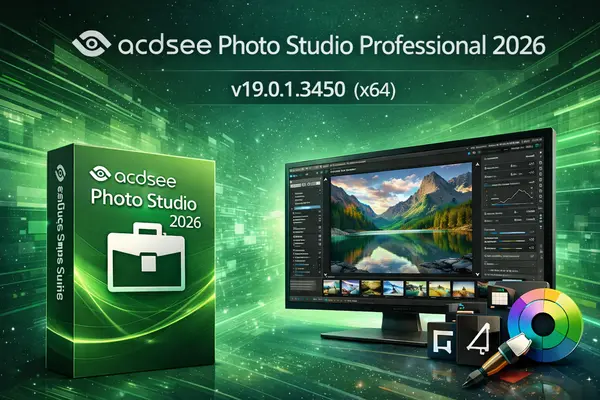
ACDSee Photo Studio Professional 2026 v19.0.1.3450 (x64)
Free DownloadACDSee Photo Studio Professional 2026 v19.0.1.3450 (x64) | 575 MB
ACDSee Photo Studio Professional 2026 provides photographers and digital artists with a complete photo management and professional editing toolkit. Combining locally powered Artificial Intelligence (AI) with advanced RAW editing and digital asset management (DAM), it gives you full control over your creative workflow.
What's New in ACDSee Photo Studio Professional 2026?
New ACDSee Activity Manager runs in the background for efficient multitasking
ACDSee Tabs allow effortless navigation across folders and search results
Bulk assign, unassign, or delete multiple keywords and categories for metadata management
People and AI Keywords integration in Details View, Sort, and Info Palette
AI Super-Resolution enlarges images while preserving quality for old, cropped, or low-resolution photos
Redesigned Masking Group in Develop Mode for non-destructive selection masks
New AI Object Masking, Color Range, and Luminance Range for complex editing
Retains familiar tools: AI Subject, AI Background, AI Sky, Gradient, and Brush for precision
Advanced RAW editing with AI-assisted adjustments and batch processing
System Requirements:
Windows® 10 (64-bit) or Windows® 11
Microsoft® Edge
Microsoft® DirectX® 10 or higher
Windows Media® Player 9.0
Microsoft® Office 2010 or above
Intel® or AMD® processor with 64-bit support (Intel i5 or better recommended)
4 GB RAM minimum (8 GB or more recommended)
512 MB Video RAM (VRAM) minimum (2 GB or more recommended)






 ACDSee Photo Studio Professional 2026 v19.0.1.3450 (x64)