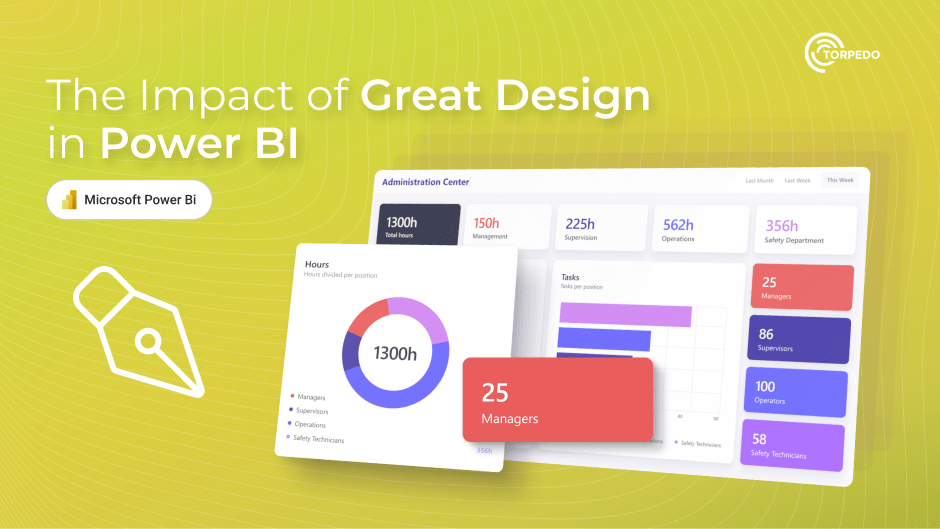
Microsoft Power Bi Dashboard Design: From Clarity To Impact
Published 1/2026
MP4 | Video: h264, 1920x1080 | Audio: AAC, 44.1 KHz, 2 Ch
Language: English | Duration: 1h 9m | Size: 780 MB
Design User-Focused Microsoft Power BI Dashboards with Visual Design Principles, Storytelling, and Real-World Project
What you'll learn
Design Microsoft Power BI dashboards based on audience needs, including analysts, managers, and executives.
Build and apply consistent dashboard design systems using color, fonts, spacing, and layout principles.
Choose and format the right Microsoft Power BI visuals to communicate insights clearly and reduce visual clutter.
Redesign an existing Microsoft Power BI dashboard into a clear, professional, and decision-ready report.
Requirements
Basic familiarity with Microsoft Power BI Desktop is recommended. No prior design experience or advanced DAX knowledge is required.
Description
Power BI Dashboard Design: From Clarity to Impact - Business Intelligence MasteryLearn how to create Power BI dashboards that drive real business intelligence insights. This hands-on, practical course teaches you to design dashboards with the end user in mind - from analysts and managers to executives - so your reports are clear, actionable, and decision-ready.Instead of just building visuals, you'll learn how to think like a dashboard designer, structure reports for effective data visualization, and transform raw data into meaningful business intelligence insights.What you'll learn:Understand different dashboard audiences and how their needs influence layout, visuals, and interactivityBuild a consistent dashboard design system using color, fonts, spacing, and layout principlesChoose the right Power BI visuals for different types of insightsFormat visuals for clarity, impact, and professional presentationApply visual hierarchy, white space, and alignment to improve readabilityUse storytelling techniques and Power BI interactivity features like tooltips, drill-throughs, and bookmarksComplete a real-world dashboard makeover project, redesigning an existing report to maximize business intelligence impactBy the end of this course, you'll be able to design Power BI dashboards that are not only visually professional but also persuasive, easy to understand, and built to support data-driven decisions.If you want your Power BI dashboards to stand out and deliver real business intelligence value, this course is for you.
Who this course is for
Microsoft Power BI users, Data Analysts, consultants, and business professionals who want to design clearer, more impactful dashboards.






 Microsoft Power Bi Dashboard Design: From Clarity To Impact

